
Memory dump analysis
Start
Start searching for malware inside the pcap. Use the tools mentioned in Malware Analysis.
Volatility
Volatility is the main open-source framework for memory dump analysis. This Python tool analyzes dumps from external sources or VMware VMs, identifying data like processes and passwords based on the dump's OS profile. It's extensible with plugins, making it highly versatile for forensic investigations.
Mini dump crash report
When the dump is small (just some KB, maybe a few MB) then it's probably a mini dump crash report and not a memory dump.

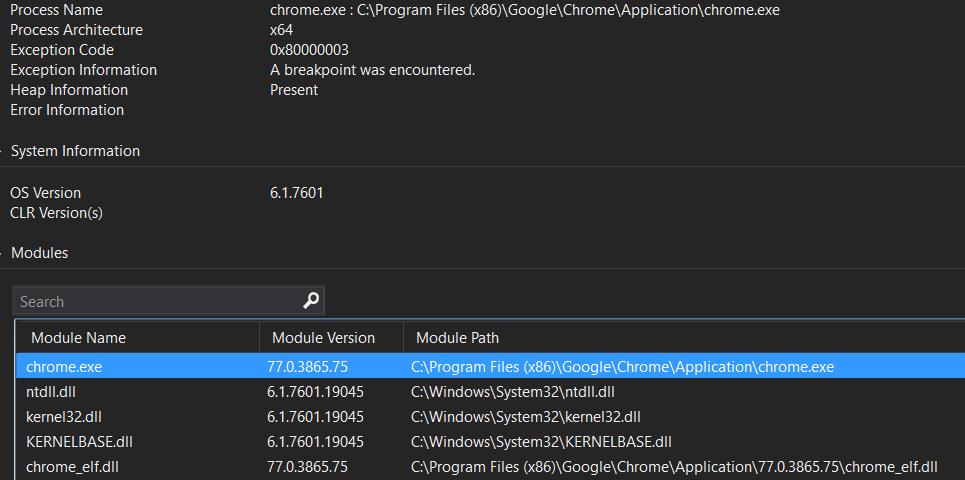
If you have Visual Studio installed, you can open this file and bind some basic information like process name, architecture, exception info and modules being executed:
You can also load the exception and see the decompiled instructions
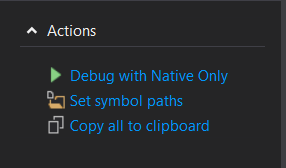
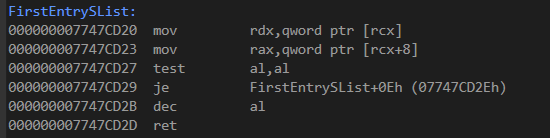
Anyway, Visual Studio isn't the best tool to perform an analysis of the depth of the dump.
You should open it using IDA or Radare to inspection it in depth.